

Cloud versus On-Premise: cloud versus on premise costs and security explained
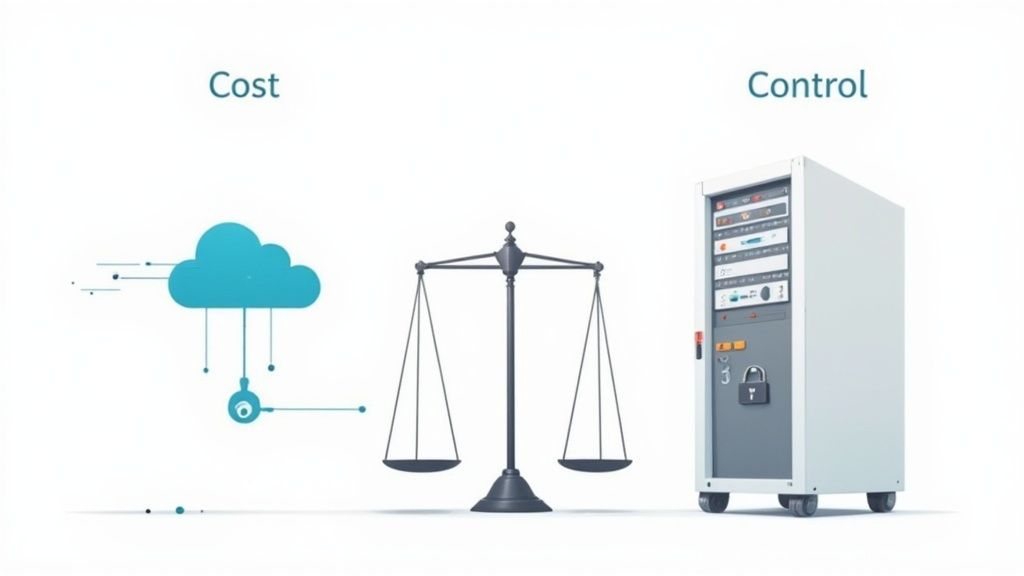
The big question in the cloud versus on-premise debate boils down to a single idea: who’s in charge? With cloud hosting, you’re essentially renting a managed, ready-to-go infrastructure. With an on-premise setup, you own and operate every single piece of hardware yourself.
The right choice really depends on what you value more—the hands-off flexibility of the cloud or the absolute control of your own servers.
Understanding the Key Infrastructure Choices
Choosing between cloud and on-premise isn't just a tech decision; it's a foundational business move that will dictate how your app grows. It directly impacts your budget, who you need to hire, and how quickly you can react to user demand. For a logic-puzzle app like Queens Game, where traffic spikes and smooth performance are everything, this choice is critical.
Getting this right from the start means taking a hard look at where your business is now and where you want it to be in a few years. It’s a major strategic decision that requires careful thought, much like the skills needed to how to improve strategic thinking in our puzzles.
The move to the cloud isn't just a trend; it's a massive shift. In the UK, the cloud computing market is ballooning, with experts projecting it will hit USD 135.2 billion by 2030. This isn't surprising. More and more companies are realising the immense practical benefits of ditching their own server rooms. For a deeper dive, Grand View Research offers a comprehensive UK market analysis that lays out these trends.
Cloud vs On-Premise At a Glance
To cut through the noise, it helps to see the core differences laid out side-by-side. Each approach comes with its own set of trade-offs, affecting everything from your initial investment to the day-to-day work your team has to do.
Here’s a quick breakdown of what you’re signing up for with each model.
| Criterion | Cloud Hosting (Public/Hybrid) | On-Premise Hosting (Private) | | :--- | :--- | :--- | | Cost Model | OpEx (Operational Expenditure): A predictable, pay-as-you-go subscription. Think of it like a utility bill. | CapEx (Capital Expenditure): A huge upfront investment in hardware, software, and a place to put it all. | | Scalability | Instant and elastic. Need more power for a marketing push? You can scale up in minutes. Traffic dies down? Scale back down just as fast. | Slow and limited. Scaling means buying, installing, and configuring new physical servers. It's a long, expensive process. | | Maintenance | Handled by the provider. They take care of hardware failures, security patches, and all the tedious infrastructure updates. | All on you. Your team is responsible for everything, from replacing a failed hard drive at 3 AM to managing network security. | | Control | Limited. You don’t get a say in the underlying hardware or network gear, as the vendor manages it all. | Total control. You decide every component, every software version, and every security setting. It's your kingdom. | | Deployment Speed | Fast. You can spin up new servers or entire environments in a matter of minutes. | Painfully slow. Getting new hardware can take weeks or months, from procurement to final setup. |
Ultimately, the table shows a clear split: the cloud offers speed and operational ease, while on-premise offers granular control at the cost of speed and a much larger initial investment.
Comparing Financial Models: CapEx vs OpEx
Money talks, and it’s often the loudest voice in the room when choosing between cloud and on-premise. This decision completely changes how you budget for your tech, forcing a choice between a huge one-time investment and a smaller, ongoing subscription. Getting this right is crucial for managing your cash flow and forecasting your finances accurately.
On-premise infrastructure is all about Capital Expenditure (CapEx). Think of it like buying a house instead of renting. You face a massive upfront cost for servers, networking hardware, software licences, and storage. These are physical assets your company owns and will depreciate over time.
This path requires you to calculate the total cost of ownership (TCO) with near-perfect foresight. It’s not just the initial hardware bill; you also have to budget for the data centre space, the electricity to run it, the cooling systems to keep it from overheating, and the salaries of the IT pros who will babysit it all.
The On-Premise CapEx Model
With CapEx, the financial pain is front-loaded. For an app like Queens Game, this means you’d have to guess your peak player numbers years from now and buy servers powerful enough to handle that dream scenario today.
- Initial Investment: Eye-watering costs for servers, racks, and all the networking gear.
- Recurring Costs: Predictable but chunky bills for power, cooling, and physical security.
- Staffing: You'll need a dedicated IT team for hardware maintenance, network management, and middle-of-the-night troubleshooting.
You get a tangible asset on your books, but it locks up cash that could have been spent on marketing or developing new puzzles. If you guess wrong on capacity, you've either wasted a ton of money on idle servers or you can't handle a sudden surge in players without another punishingly expensive shopping spree.
The Cloud OpEx Model
The cloud flips this entirely, running on an Operational Expenditure (OpEx) model. Forget the massive upfront investment. Instead, you pay as you go—usually monthly—for the computing power you actually use. It’s just like your electricity bill.
This pay-as-you-go approach turns tech spending from a capital headache into a predictable operating cost. The barrier to entry is almost nonexistent, letting you launch and scale without needing a vault full of cash for servers. This shift to OpEx is a massive reason for the cloud's explosion in the UK. Public cloud revenue here hit $15.57 billion and is projected to climb to $20.03 billion, with companies spending an average of $565.50 per employee on these services. You can dig into the numbers in the UK cloud computing market report.
This financial flexibility is the killer feature. The OpEx model lets you tie your infrastructure costs directly to your revenue and player count, killing the risk of overprovisioning that haunts on-premise setups. IT stops being a static cost centre and becomes a scalable operational expense.
Evaluating Scalability and Performance Under Pressure
For an online app like Queens Game, performance isn't just a feature—it's the entire user experience. Your choice between cloud and on-premise hosting will directly decide how your app handles both quiet nights and sudden, massive traffic spikes. It’s the difference between delighting players and watching them bounce because of lag.
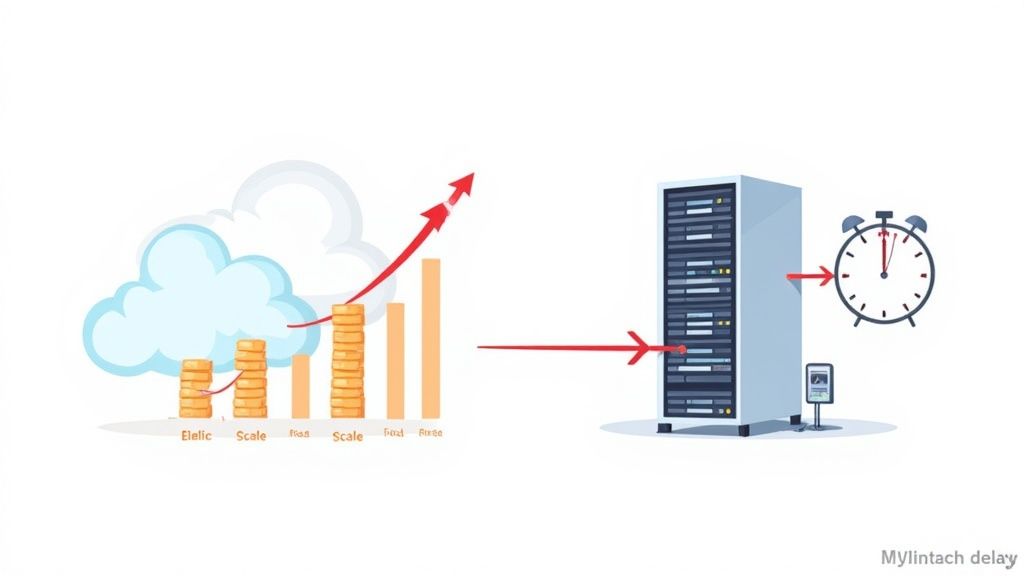
Cloud infrastructure is built for elastic scalability. This just means its resources automatically expand or shrink based on what’s happening right now. If a popular streamer features your puzzle and traffic explodes, the cloud can spin up more computing power in minutes to handle the load. Every new player gets a smooth, fast experience.
This automatic scaling prevents slowdowns during peak times and, just as importantly, saves you money during quiet periods. You only pay for the extra horsepower when you actually need it.
The On-Premise Scaling Challenge
On-premise setups are completely different animals. They’re rigid. Scaling isn't an automated click; it's a major project involving forecasting, purchasing hardware, and physically installing it. You have to predict future demand months—or even years—in advance and buy enough servers to meet that imaginary peak.
This manual process is loaded with risk:
- Overprovisioning: Guess too high on your traffic forecasts, and you're left with expensive hardware sitting idle, burning electricity and taking up space without adding any value.
- Underprovisioning: Guess too low, and your app slows to a crawl or crashes when demand surges. Getting new servers ordered and running can take weeks, meaning you miss out on that crucial growth opportunity.
The core difference is responsiveness. A cloud setup reacts to user demand in minutes, keeping performance locked to traffic. An on-premise setup forces you to make long-term bets on growth, and guessing wrong is expensive either way.
Performance and Global Latency
Beyond pure scaling power, you have to think about latency—the time it takes for data to travel from your server to a player's device. For an international audience, this is where the cloud vs. on-premise gap becomes a chasm.
Major cloud providers like AWS, Azure, and Google Cloud run global networks of data centres. This lets you deploy your app in multiple regions, physically closer to your players. Someone in Japan can hit a server in Tokyo, while a UK player connects to one in London. The result? Drastically reduced lag and a much snappier feel.
An on-premise data centre, on the other hand, is stuck in one place. Players far away from that physical building will always experience higher latency, making an interactive puzzle feel sluggish and unresponsive. While you could build your own global network of servers, the cost and complexity are staggering for most companies. This makes the cloud the obvious choice for delivering a fast, low-latency experience to a worldwide user base.
Analysing Security and Compliance Responsibilities
When you're handling user data, security and compliance aren't just features—they're non-negotiable. Your choice between cloud and on-premise hosting completely changes your security setup and what your team is responsible for. It's a critical decision, so let's break down who does what.
If you go with on-premise servers, the security burden is simple: it's all on you. Your team manages everything from the physical locks on the server room door to the network firewalls, intrusion detection, and software patching. This gives you total control, but it's a massive, ongoing job.
The Shared Responsibility Model in the Cloud
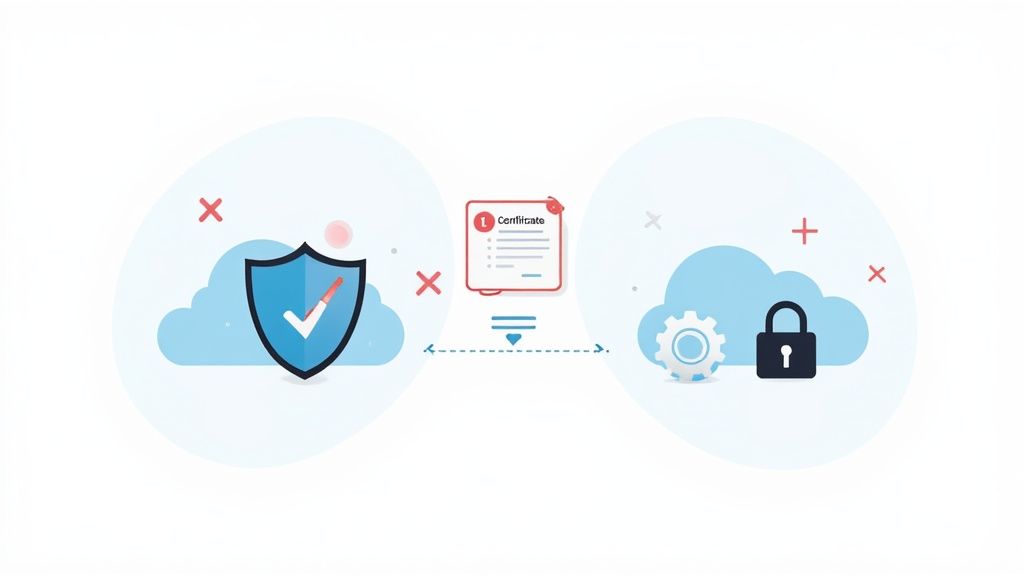
Cloud hosting flips the script with its shared responsibility model. The provider, think AWS or Azure, handles the security of the cloud. This means they're responsible for the physical security of their data centres and the core network that powers everything.
Your job is security in the cloud. This is what you and your team will focus on:
- Data Encryption: Setting up encryption for data, both when it's moving (in transit) and when it's stored (at rest).
- Identity and Access Management (IAM): Controlling who can access what, making sure permissions are locked down.
- Network Configuration: Building secure virtual networks and firewall rules to shield your app.
- Application-Level Security: Securing your own code and its dependencies from vulnerabilities.
With this model, you get to offload the heavy lifting of physical security to a global expert. That frees up your team to focus on what they know best: protecting your app and your users' data.
It's not about which option is "more secure." It's about where the responsibility lies. On-premise puts all security work in-house. The cloud divides it, letting you lean on the provider's huge investment in infrastructure security.
To make this crystal clear, here’s a look at how the duties are split.
Security Responsibility Model Comparison
| Security Task | Cloud (Provider Responsibility) | Cloud (Customer Responsibility) | On-Premise (Customer Responsibility) | | :--- | :--- | :--- | :--- | | Physical Security | ✔️ (Data centres, hardware) | | ✔️ | | Network Infrastructure| ✔️ (Core network, edge locations) | | ✔️ | | Hypervisor Security | ✔️ (Virtualisation layer) | | ✔️ | | OS & Patching | 🔀 (Depends on service, e.g., PaaS vs IaaS)| ✔️ (For IaaS) | ✔️ | | Data Encryption | | ✔️ (Configuring encryption at rest/in transit)| ✔️ | | Identity & Access | | ✔️ (IAM roles, user permissions) | ✔️ | | Application Code | | ✔️ (Securing your app's code) | ✔️ | | Firewall Config | | ✔️ (Setting up security groups, rules) | ✔️ |
As you can see, the cloud doesn't eliminate security tasks—it just reallocates them, letting your team focus higher up the stack.
Navigating Compliance and Certifications
Getting certified for regulations like GDPR is a long, expensive headache. Cloud providers make this much simpler by offering services that already meet major international standards. This gives you a compliant foundation to build on, saving huge amounts of time and audit costs.
With an on-premise setup, you’re on your own. You have to build, document, and prove your compliance from scratch for every single regulation. It’s a painstaking process.
Interestingly, many UK organisations are finding a middle ground. A recent survey found that 89% of UK organisations now use multi-cloud solutions, spreading their workloads across different providers. It’s a smart move away from putting all your eggs in one basket. You can read more about the latest UK cloud computing trends to see how others are adapting.
Considering Maintenance and Internal Staffing Needs
The choice between cloud and on-premise isn't just about servers; it's about people. Where does your team spend its time? One path offloads the grunt work so you can focus on your app, while the other demands a constant, specialised team just to keep the lights on.
With a cloud model, the provider handles almost all the physical headaches. They replace failing hard drives, manage network switches, and ensure the data centre has redundant power and cooling. Your team is freed from late-night hardware emergencies and endless patch cycles.
This completely changes who you hire. Instead of needing dedicated network engineers and server admins, you can invest in roles that actually improve Queens Game—like developers, UX designers, and data analysts.
On-Premise: The Full Responsibility Model
Choosing an on-premise solution means your team takes on 100% of the maintenance. The to-do list is long, and it requires a skilled, in-house IT team on your payroll.
Their responsibilities are non-stop:
- Hardware Lifecycle Management: Researching, buying, installing, and eventually retiring servers, storage, and networking gear.
- Routine Maintenance: Applying firmware updates, managing server racks, and replacing components before they fail.
- Network Configuration: Handling all internal networking, firewalls, and connections to the outside world.
- Disaster Recovery: Building and regularly testing a solid plan to recover from hardware failures, power cuts, or physical damage.
This model gives you total control, but it comes at a huge operational cost. The need for constant vigilance can easily pull focus away from what your business actually does.
The real question isn't about hardware; it's about human resources. On-premise infrastructure demands a team whose primary job is just to keep things running. A cloud approach lets your team focus on building better features and solving player problems.
The Cloud Advantage: Focus on Innovation
By abstracting away the physical layer, the cloud lets your team concentrate on activities that add real value. Instead of troubleshooting a faulty server, your engineers can work on optimising game performance or developing new puzzle mechanics.
This shift in focus is invaluable for a product like Queens Game, where innovation is what keeps players coming back.
It lets a smaller, more agile team achieve more. Infrastructure management becomes a strategic partnership rather than an in-house burden. It creates an environment where your staff can build their own skills—a core part of growth. To learn more, check out our guide on how to improve problem-solving skills, a mindset that helps any technical team thrive.
Making the Right Call for Your App
So, cloud or on-premise? There’s no single "best" answer, only the right answer for your specific needs right now. It all boils down to a fundamental trade-off: do you prioritise agility or absolute control? Your budget, your team's skills, and your long-term goals are the only things that can steer you to the right decision.
For a growing logic game like Queens Game, the cloud is almost a no-brainer. We expect (and hope for!) sudden spikes in players, and cloud scalability lets us handle that without our servers catching fire. The pay-as-you-go model (OpEx) also means we avoid a massive upfront bill for hardware we might outgrow. It lets a small team focus on building better puzzles, not managing server racks.
On the other hand, if you're a big bank with iron-clad regulatory needs, on-premise starts to look a lot more attractive. The complete control you get over your data and security setup isn't just a "nice to have"—it's often non-negotiable. That kind of peace of mind can easily justify the hefty initial investment (CapEx) and the need for a specialised in-house team.
A Simple Framework for Your Decision
Making this choice isn't just about tech specs; it's about your operational philosophy. This flowchart cuts right to the heart of the matter.
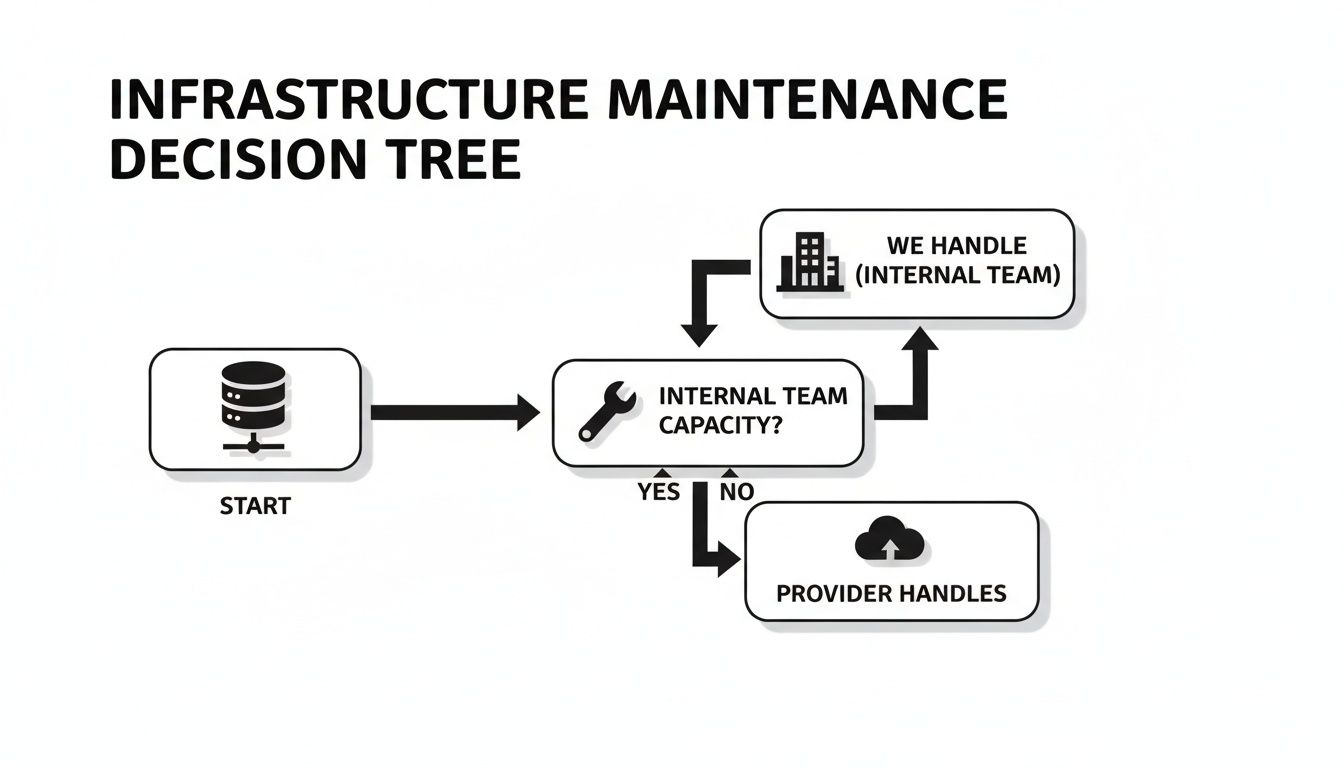
It highlights the core question: do you have the team and the desire to manage the nuts and bolts yourself, or would you rather offload that work and focus elsewhere?
Ultimately, the best choice is the one that fits your company's personality. If you want to dive deeper into structuring this kind of choice, we’ve written about other decision-making techniques that can help bring clarity.
Run through this quick checklist to see where you land:
- Budget: Predictable monthly bill (cloud) or one big upfront purchase (on-premise)?
- Scalability: Do you need to handle surprise traffic surges instantly?
- Team Skills: Do you have people who live and breathe server management, networking, and security?
- Control: Is total command over your hardware and data a must-have for legal or security reasons?
Be honest with your answers. They’ll point you toward the path that makes the most sense for where your business is headed.
Common Questions, Straight Answers
Choosing between the cloud and your own servers always brings up the same handful of critical questions. Let's tackle them head-on so you can make a decision that fits your situation.
How Hard Is It to Move From On-Premise to the Cloud?
That all depends on your app's architecture. If you've built a modern, containerised application, the move might be relatively smooth. But if you're dealing with a monolithic legacy system, you could be looking at a serious re-architecting project, which takes a lot of time and effort.
Planning is everything here. A solid migration starts with a full audit of what you have, mapping out every dependency, and building a step-by-step roadmap. It’s almost never a simple “lift and shift” – think of it as a strategic project that needs careful handling to prevent downtime or data loss.
Are There Hidden Costs in Cloud Computing?
Yes, and they can catch you by surprise. The pay-as-you-go model sounds great, but costs can easily spiral if you're not paying attention. The two biggest culprits are usually data egress fees (what you pay to move data out of the cloud) and paying for resources you're not actually using.
To keep costs in check, you have to actively manage your spending with cloud cost management tools. It's essential to set budgets, create alerts for any spending spikes, and regularly tune your resource allocation. Without that discipline, the OpEx savings you were hoping for can disappear fast.
It's a common myth that the cloud is automatically cheaper. A better way to think about it is that the cloud offers incredible cost efficiency when managed well. Poor oversight, however, can lead to bills that are much higher than running your own servers.
Can We Just Use a Hybrid Cloud Model?
Absolutely. A hybrid cloud approach gives you the best of both worlds by mixing your on-premise setup with public cloud services. It's a great option for businesses that need to keep sensitive data in-house for security or compliance but want to use the cloud's scalability for other parts of their application.
For an app like Queens Game, you could run the core database on a private, secure server while using a public cloud's global network to deliver game assets and manage sudden spikes in player traffic. This setup balances tight control with flexibility, which is why it's such a popular strategy for many organisations.
Ready to challenge your strategic thinking? Dive into a logic puzzle designed to sharpen your mind. Play Queens Game now and put your problem-solving skills to the test at https://queens.game.